
Introduction
Faridabad is one of the most important industrial cities in Haryana. From auto components and machine tools to switchgear, pumps, textiles, and packaging, thousands of manufacturing units here run every day. Behind every product label, catalogue, machine nameplate, and packaging box, there is a designer using software like CorelDraw.
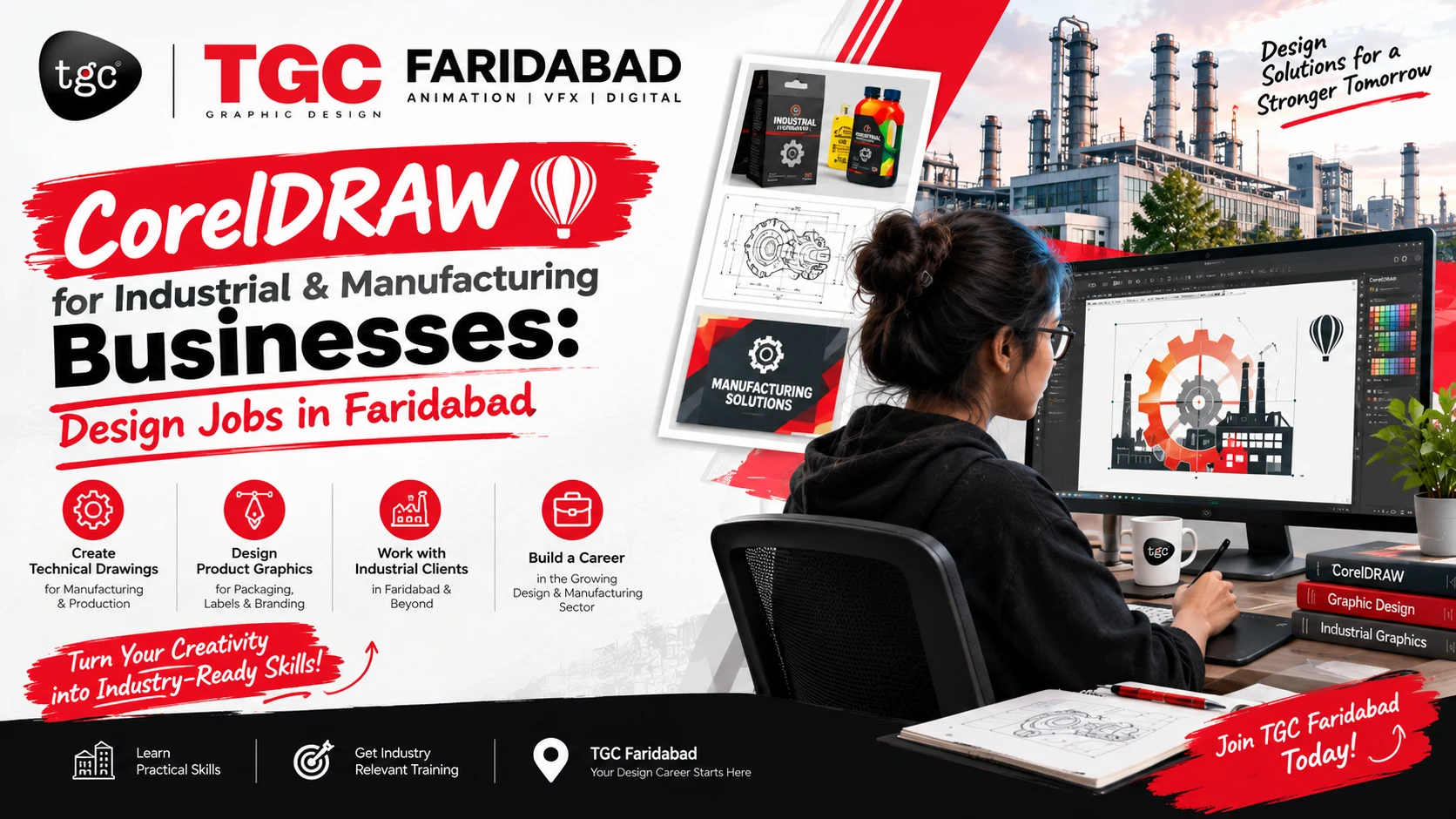
If you are a student, a fresher, or someone who wants a career change, learning CorelDraw can open real job opportunities in Faridabad’s industrial sector. In this blog, we explain how CorelDraw is used in manufacturing, which jobs you can get, and how a CorelDraw course in Faridabad at TGC can prepare you for them.
Why Does the Manufacturing Industry Need CorelDraw?
CorelDraw is a vector-based design software. This means your designs can be enlarged or reduced to any size without losing quality. That makes it ideal for industrial work, where one design may be used on a tiny label and a large factory banner.
Manufacturing businesses need design work at almost every stage:
- Product branding: logos, brand identity, and product labels
- Packaging design: cartons, boxes, pouches, and wrap-around labels
- Technical and marketing material: catalogues, brochures, and product data sheets
- Machine and equipment marking: nameplates, warning stickers, and instruction panels
- Signage and display: factory signboards, safety signs, and exhibition stalls
- Export documentation design: shipping marks and export packaging labels
Because Faridabad has a strong base of small, medium, and large manufacturers, there is steady demand for people who can handle these tasks.
How CorelDraw Is Used in Industrial Businesses
1. Packaging and Label Design
Every product needs a label or box that is clear, attractive, and print-ready. CorelDraw gives precise control over dimensions, die-lines, bleed, colours, and typography, which are essential for printing.
2. Laser Cutting, Engraving, and CNC Work
Many industrial units use laser cutters, CNC machines, and engraving tools. These machines read vector files, and CorelDraw is one of the most widely used software for preparing them. Designers create cutting paths for metal sheets, acrylic, wood, and stickers.
3. Vinyl Cutting and Sign Making
Factory signage, safety boards, vehicle branding, and name boards are all made from vector designs. CorelDraw is the standard choice in this field.
4. Catalogues and Product Brochures
Manufacturers use catalogues to show their product range to dealers and buyers. CorelDraw helps you build clean, professional multi-page layouts with product images and specification tables.
5. Screen Printing and Textile Design
With Faridabad’s garment and textile units, CorelDraw is also used to prepare artwork for screen printing, embroidery digitising support, and fabric prints.
Design Jobs in Faridabad After Learning CorelDraw
After a CorelDraw training in Faridabad, you can apply for roles such as:
| Job Role | Where You Can Work |
|---|---|
| Graphic Designer | Manufacturing companies, printing presses, ad agencies |
| Packaging Designer | Packaging units, FMCG and product-based companies |
| Pre-Press / DTP Operator | Printing and publishing houses |
| Laser / CNC Design Operator | Fabrication and engraving units |
| Sign & Flex Designer | Signage, flex printing, and branding firms |
| Catalogue / Brochure Designer | Industrial marketing teams |
| Freelance Designer | Self-employed, working with local businesses |
Salaries depend on your skills, portfolio, and experience. Freshers usually start at an entry-level package, and designers with strong portfolios and multiple software skills grow quickly. The designers who earn more are usually those who can show real project work, not just a certificate.
Skills You Need to Get Hired
Employers in the industrial sector look for practical skills, not just theory. A good designer should know:
- Vector drawing and shape tools in CorelDraw
- Typography and text formatting
- Colour modes (CMYK vs RGB) and print-ready file setup
- Die-line and packaging layout
- Working with images, trace, and background removal
- Preparing files for laser, CNC, and vinyl cutting
- Exporting files in the right formats (PDF, CDR, AI, EPS, PNG)
- Basic knowledge of Photoshop and Illustrator for extra value
What You Learn in the CorelDraw Course at TGC Faridabad
At TGC Faridabad, the CorelDraw course is designed to be practical and job-focused. You learn by working on real-style projects, not just by watching tools demonstrated.
Course highlights:
- Complete CorelDraw training from basic to advanced level
- Hands-on practice with logos, labels, packaging, and brochures
- Print-ready file preparation guidance
- Industry-based assignments inspired by manufacturing and printing work
- Portfolio building to help you in job interviews
- Guidance on freelancing and finding design work
- Trainer support to clear doubts and improve your skills
(Add your batch timings, fees, duration, and certification details here.)
Who Should Join a CorelDraw Course in Faridabad?
- Students after 10th or 12th who want a creative career
- Graduates looking for a skill-based job
- Working professionals in printing, packaging, or signage
- Small business owners who want to design their own labels and branding
- Freelancers who want to expand their services
- Anyone interested in graphic design jobs in Faridabad
No prior design experience is required. If you can use a computer, you can learn CorelDraw.
Freelancing and Self-Employment Opportunities
Faridabad has many small manufacturers who cannot afford a full-time designer but regularly need labels, catalogues, signage, and social media creatives. As a freelancer, you can offer:
- Logo and brand identity design
- Product label and packaging design
- Catalogue and brochure design
- Signage and flex design
- Laser and CNC file preparation
With a strong portfolio and good communication, freelancing can become a steady income source alongside or instead of a job.
Tips to Build a Career in Industrial Design Work
- Build a portfolio early. Include packaging, labels, catalogues, and signage samples.
- Learn print basics. Understanding how printing works makes you far more valuable.
- Add a second tool. Photoshop and Illustrator work well with CorelDraw.
- Visit local businesses. Offer to improve their labels or catalogues to get real work samples.
- Create a LinkedIn and Behance profile. Recruiters and clients often search online.
- Keep practising. Speed and accuracy come from regular practice.
Frequently Asked Questions
Is CorelDraw good for manufacturing businesses? Yes. It is widely used for packaging, labels, signage, and CNC or laser cutting files because of its strong vector tools and precise output.
Can I get a job after a CorelDraw course in Faridabad? Yes, if you build practical skills and a good portfolio. Printing presses, packaging units, signage firms, and manufacturers regularly hire designers.
Do I need design experience before joining? No. The course starts from the basics and takes you to advanced level step by step.
How long does it take to learn CorelDraw? Basic skills can be learned in a few weeks, while professional-level skills take a few months of regular practice. Check TGC Faridabad for current batch duration.
Can I do freelancing after learning CorelDraw? Absolutely. Many designers take freelance projects from local businesses, printers, and online clients.
Start Your Design Career with TGC Faridabad
Faridabad’s industrial growth means there is real, ongoing demand for skilled designers. Whether you want a job in a manufacturing company, a packaging unit, or a printing house, or want to start freelancing, CorelDraw is a practical skill that pays off.
Join the CorelDraw course at TGC Faridabad and learn with practical training, real-world projects, and portfolio support.
📞 Call / WhatsApp: 7982611536
📍 Address: TGC Animation and Multimedia,
SCF 43, 2nd Floor, Huda Market Part-2, Sector 19, Near: Sanjha Chulha Restaurant, Old Faridabad, Haryana-121002
🌐 Website: https://tgcfaridabad.com/
Book your free demo class today and take the first step towards a creative career!
SEO tips for publishing: add 2-3 real images with alt text like “CorelDraw course in Faridabad”, link this post to your other course pages (internal linking), and add FAQ schema markup for better chances of rich results.