

Introduction
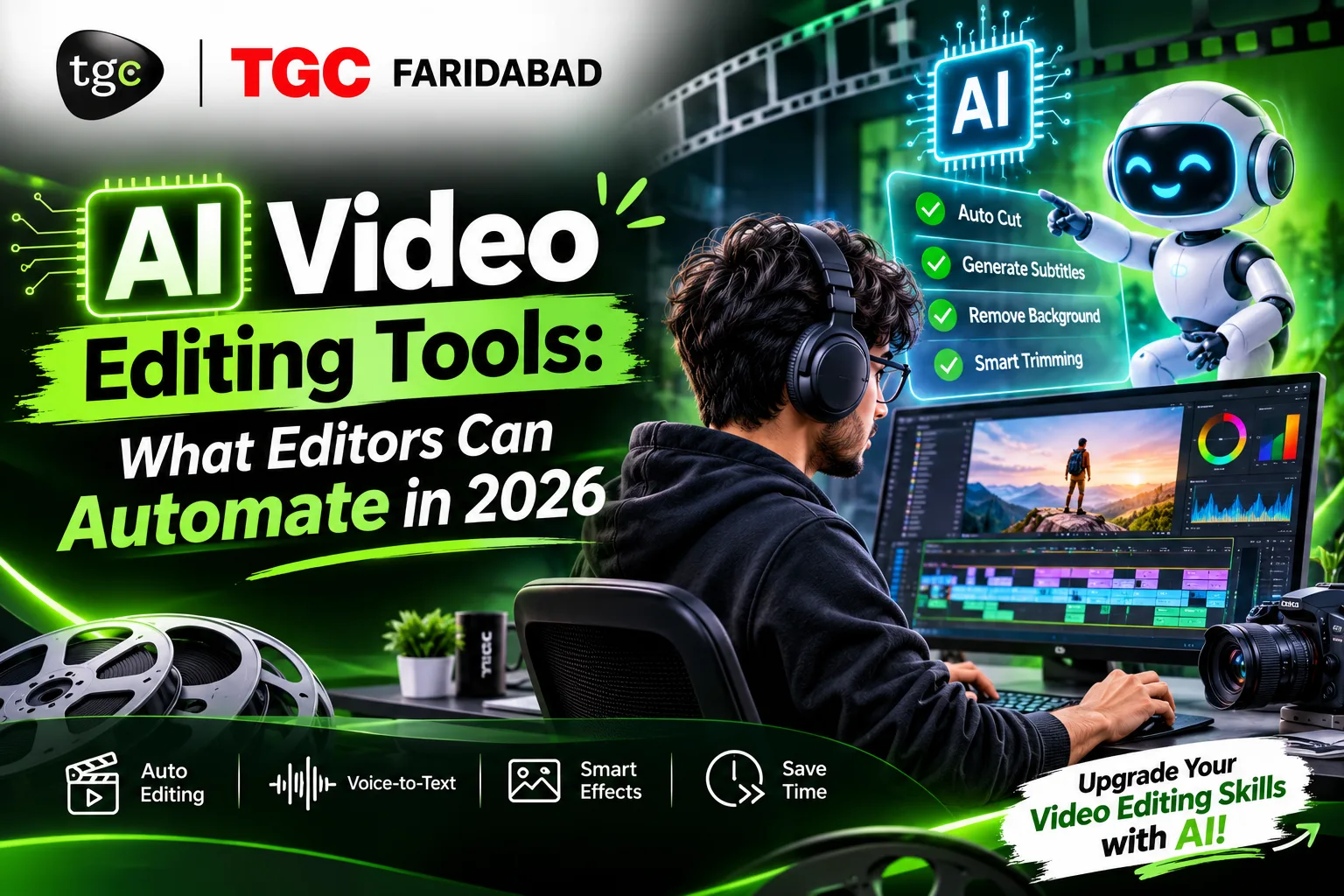
Two years ago, cutting out every “umm,” syncing captions word by word, and reformatting a video for Reels, Shorts, and YouTube was hours of repetitive work. In 2026, much of that can be done in minutes, and sometimes in a single click.
That doesn’t mean editors are being replaced. It means the job is shifting: less time on mechanical cleanup, more time on story, pacing, and taste. The editors who do well now are the ones who know exactly what to hand to AI and what to keep for themselves.
This guide breaks down what video editors can realistically automate in 2026, which tools do it, where AI still falls short, and how to build skills that make you more valuable instead of replaceable.
What “AI Video Editing” Actually Means
AI in editing falls into three different categories, and mixing them up causes confusion:
| Category | What It Does | Examples of Tasks |
|---|---|---|
| AI-assisted editing | Speeds up tasks inside a normal editing workflow | Captions, silence removal, masking, audio cleanup |
| Automated editing | Produces a first draft or output with little human input | Rough cuts, highlight clips, auto-reframing |
| Generative video | Creates new footage or visuals from prompts | Extending a clip, generating B-roll, AI backgrounds |
Most day-to-day value for working editors comes from the first two. Generative tools are powerful but need careful, selective use.
The Big List: What Editors Can Automate in 2026
| Task | How Automated Is It? | What AI Does | Human Still Needed For |
|---|---|---|---|
| Transcription and captions | Mostly automatic | Converts speech to text and builds styled, timed captions, often with translation | Checking spelling, names, and slang |
| Silence and filler-word removal | Mostly automatic | Detects pauses, “umm,” and repeated words and cuts them | Keeping natural rhythm and emotional pauses |
| Rough cuts from transcripts | Partly automatic | Lets you edit video by editing text | Story structure and what to keep |
| Multicam switching | Partly automatic | Switches angles based on who is speaking | Creative choices and reaction shots |
| Vertical and square reframing | Mostly automatic | Tracks subjects and reframes for other aspect ratios | Fixing awkward crops and text placement |
| Long video to short clips | Partly automatic | Finds highlights and exports short clips | Judging hook quality and context |
| Speech cleanup | Mostly automatic | Reduces noise, echo, and room tone, and isolates voices | Final mix and music balance |
| Masking and rotoscoping | Partly automatic | Isolates people and objects across frames | Cleaning edges on difficult shots |
| Color matching | Partly automatic | Suggests matching looks across clips | Creative grade and mood |
| Searching your footage | Mostly automatic | Finds clips by what is said or shown | Choosing the best take |
| Extending clips and filling gaps | Partly automatic | Generates a few extra frames to fix timing | Checking realism and consistency |
| Translation and dubbing | Partly automatic | Translates captions and synthesizes voices | Accuracy, culture, and consent |
The pattern is clear: AI excels at repetitive, rule-based, mechanical tasks. It struggles with judgment, taste, and storytelling.
The Tools Behind the Automation
Different tools specialize in different jobs. Here’s how the main categories look in 2026.
Professional Editing Software With Built-In AI
| Tool | Notable AI Features |
|---|---|
| Adobe Premiere Pro | Text-based editing, speech-to-text captions with translation, media search, AI masking, auto reframe, and generative clip extension |
| DaVinci Resolve (Studio) | Neural Engine tools such as Magic Mask for rotoscoping, voice isolation for audio cleanup, speed retiming, and transcription |
| Final Cut Pro | Smart conform for reframing and transcription-based features |
These are the safest choice for professionals because the AI sits inside the editing environment you already use.
Transcript-Based Editors
Tools like Descript treat your video like a document. You transcribe the recording, delete or move words in the text, and the video cuts follow. They also offer filler-word removal and plain-language editing commands. They’re especially strong for podcasts, interviews, tutorials, and talking-head videos.
Social-First Editors
CapCut and similar apps focus on fast, vertical content, with auto-captions, templates, reframing, and effects. They’re excellent for creators and small businesses who need volume and speed.
Clip and Short-Form Generators
Tools such as OpusClip take a long video and pick highlight moments, reframe them, and export short clips. They save hours for creators turning webinars, podcasts, and long YouTube videos into Reels and Shorts.
Plugins That Automate Repetitive Edits
Plugins like AutoCut work inside Premiere Pro and DaVinci Resolve to automate silence removal, animated captions, multicam podcast editing, and short-clip extraction, targeting the mechanical cleanup that happens after story decisions are made.
Generative Video and Audio Tools
Tools such as Runway and Veo generate or alter visuals, while services like ElevenLabs and HeyGen handle voice cloning and dubbing. They’re useful for concepts, B-roll, and localization, but need careful quality control and responsible use.
A Typical Workflow: Before and After AI
Consider a 10-minute interview video for a local business.
| Step | Traditional Workflow | AI-Assisted Workflow |
|---|---|---|
| Review footage | Watch everything | Search by transcript and jump to key moments |
| Rough cut | Manually cut, delete pauses | Edit via transcript, remove silence and fillers automatically |
| Audio cleanup | Manual noise reduction and EQ | One-click speech enhancement, then a quick manual check |
| Captions | Type or sync captions manually | Auto-generate, then correct names and terms |
| Vertical version | Manually reframe each shot | Auto-reframe, then fix awkward crops |
| Creative polish | Pacing, music, color, graphics | Same, and now you have far more time for it |
The final row is the point. The time saved shouldn’t disappear into doing more mechanical work. It should go into the creative decisions clients actually pay for.
What AI Still Can’t Do Well
Even in 2026, these parts of editing remain firmly human:
- Story and structure. AI can assemble clips, but it doesn’t understand why a scene matters emotionally
- Pacing and rhythm. Cutting on emotion, holding a beat, and building tension are matters of taste
- Understanding the brief. Knowing what a client really wants, and what their audience will respond to
- Creative direction. Choosing a visual style, music, and tone that fits the brand
- Context and nuance. AI can cut a “umm” that was actually a meaningful pause, or pick a clip that looks good but misrepresents what someone said
- Ethics and judgment. Deciding when to disclose AI use, avoiding misleading edits, and protecting people’s likeness and voice
AI is a fast assistant, not a creative director.
Risks and Responsible Use
Automating more means paying more attention to quality control and ethics.
| Risk | What to Do |
|---|---|
| Caption errors, especially in Hindi, Hinglish, or regional names | Always proofread captions before delivery |
| Misleading edits | Check that automated cuts don’t change what someone meant |
| Voice cloning and dubbing consent | Get permission before cloning or altering anyone’s voice |
| Client privacy | Be careful uploading confidential footage to cloud tools |
| Copyright | Use licensed or royalty-free music and assets, even when AI suggests them |
| Over-reliance on templates | Customize so your work doesn’t look identical to everyone else’s |
| Cost and credits | Check how AI features are priced, since many limit usage |
| Disclosure | Tell clients and audiences when AI-generated content is used, where appropriate |
What This Means for Editors in Faridabad and NCR
Faridabad sits inside the Delhi NCR economy, where local businesses, manufacturers, coaching institutes, clinics, real estate firms, wedding studios, and creators all need video, often quickly and in volume. AI automation changes the equation in a few useful ways:
- Faster turnaround on social reels, ads, and event videos
- Higher output per editor, which matters for freelancers and small studios
- Multilingual captions for Hindi, English, and regional audiences
- More time for creative differentiation, which is what separates editors clients keep from editors clients replace
At the same time, clients now expect speed and quality. Editors who can combine both are the ones getting hired.
Skills That Make You More Valuable in an AI-Assisted World
| Skill | Why It Matters More Now |
|---|---|
| Storytelling and pacing | The part AI can’t do for you |
| Strong fundamentals in Premiere Pro, DaVinci Resolve, and After Effects | AI features live inside these tools |
| Audio sense | Good sound separates professional work from amateur |
| Color grading | A consistent look is a mark of quality |
| Motion graphics | Adds polish that templates can’t match |
| AI tool fluency | Knowing which feature to use, and when to override it |
| Quality control | Catching what automation gets wrong |
| Client communication | Understanding briefs and managing expectations |
| Ethical awareness | Handling likeness, voice, and disclosure responsibly |
Notice that fundamentals come first. A beginner who automates everything without understanding why a cut works can’t tell good AI output from bad.
How to Start Using AI in Your Editing Workflow
- Learn the editing basics first. Timeline, cuts, audio, and color
- Start with built-in AI features in your editing software, since they integrate best
- Automate one task at a time. Begin with captions or silence removal and check the results
- Always review the output. Treat AI as a first draft
- Build a “before and after” habit. Compare your manual edit with the AI-assisted one to learn
- Create presets and templates for repeated work such as brand captions
- Keep your creative judgment sharp. Watch good films and ads, and study why edits work
- Stay current. Features change fast, so revisit your toolkit every few months
Where to Build These Skills in Faridabad
Strong editing fundamentals are what let you use AI tools well. TGC Faridabad’s Video Editing Course covers editing from basic techniques to advanced post-production workflows, special effects, motion graphics, and sound design, using industry-standard software such as Adobe Premiere Pro, After Effects, and DaVinci Resolve, with hands-on practice and a recognized certificate. The center also offers location-based training, including the Video Editing Course in Sector 21.
To go deeper into specific software, explore the Premiere Pro Course in Faridabad or the FCP Course in Faridabad. For a longer, career-focused program, see the Diploma in Video Editing in Faridabad, and for a broader creative skill set including animation, VFX, and design, the Diploma in Animation and Multimedia or the Multimedia Course. Since AI features vary by software version, ask the team which AI-assisted workflows are covered in your batch.
Frequently Asked Questions
What can AI automate in video editing?
AI can automate captions and transcription, silence and filler-word removal, rough cuts from transcripts, multicam switching, reframing for vertical video, highlight clips from long videos, speech cleanup, masking, and parts of color matching and translation.
Will AI replace video editors?
AI is replacing repetitive tasks, not creative editors. Story, pacing, taste, and client understanding remain human skills, and editors who combine them with AI fluency are in the strongest position.
Which AI video editing tool is best for beginners?
For social content, CapCut is easy to start with. For professional growth, learn Premiere Pro or DaVinci Resolve, where the AI features sit inside a full editing workflow.
Is DaVinci Resolve free?
Resolve has a free version for editing, while many of its AI tools, such as the Neural Engine features, are part of the paid Studio version.
Are AI captions accurate?
They’re good but not perfect, especially with accents, mixed languages, and names. Always proofread before publishing.
Do I need to learn editing basics before using AI?
Yes. Fundamentals help you judge AI output, fix its mistakes, and make creative choices it can’t.
Is it ethical to use AI voice cloning or dubbing?
Only with consent from the person whose voice is used, and with clear disclosure where appropriate.
Can AI make a full video by itself?
It can produce basic drafts and generate clips, but polished, brand-appropriate, story-driven videos still need a human editor.
Can I use AI editing tools professionally in Faridabad?
Yes. Many editors and small studios already use captioning, reframing, and cleanup tools to deliver faster for local and NCR clients.
Final Thoughts
AI in 2026 is the best assistant a video editor has ever had, quick, tireless, and good at the boring parts. But assistants don’t have taste, and they don’t understand why one cut moves an audience and another doesn’t. That’s still your job.
Learn the fundamentals, use automation for the repetitive work, check everything it produces, and invest the time you save in storytelling, sound, color, and client relationships. The editors who thrive in the next few years won’t be the ones who avoid AI or the ones who surrender to it. They’ll be the ones who know exactly where it helps and where it needs a human hand.
Ready to build strong editing fundamentals and modern workflows? Explore TGC Faridabad’s Video Editing course and speak with the team about batches and software coverage.