

Introduction
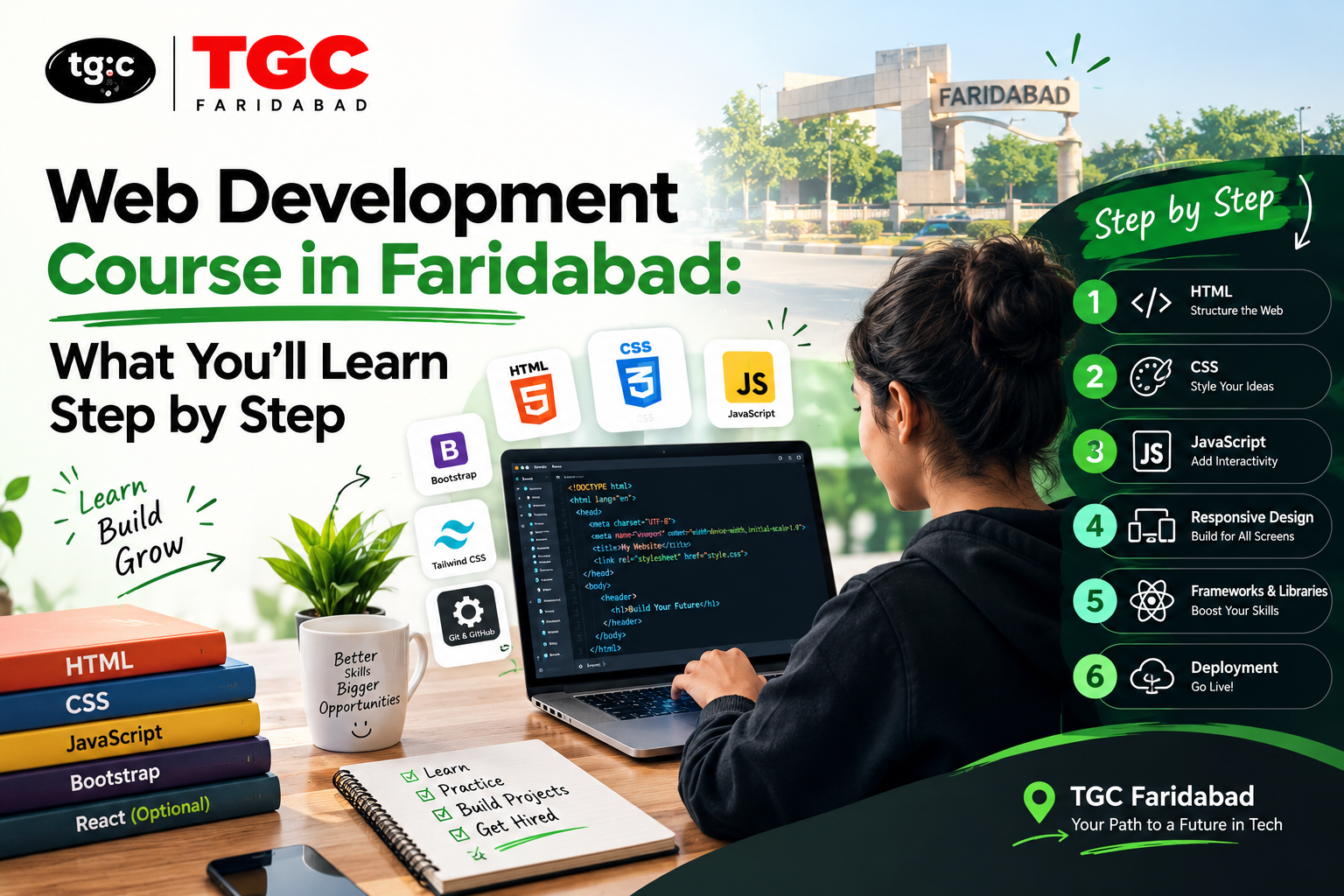
If you’re thinking about joining a web development course in Faridabad, the most useful question isn’t “which institute is cheapest?” It’s “what will I actually be able to build by the end?” A good course takes you from zero to a working, deployed web application through a sequence of steps, each one adding a skill and ending with something you can show.
This guide walks through that journey step by step, using the structure of TGC Faridabad’s web development program as the reference. You’ll see what each stage teaches, what you build along the way, and how the pieces connect into a complete full-stack skill set.
Why Learn Web Development in Faridabad?
Faridabad is part of the Delhi NCR region, which gives web developers an unusually wide field of opportunity:
- A large base of local businesses. Manufacturers, traders, clinics, coaching centers, real estate firms, and retail shops across Faridabad increasingly need websites, online catalogs, and booking or inquiry systems
- Access to the NCR tech market. Software companies, startups, and agencies in Delhi, Gurugram, and Noida are reachable by metro and road, and many hire remote or hybrid developers
- A growing freelance market. Small businesses regularly outsource website builds and maintenance
- Lower living costs. You can train and build your first projects locally without the expenses of central Delhi
The Learning Path at a Glance
| Step | What You Learn | What You Build |
|---|---|---|
| 1 | Introduction to web design and how websites work | A clear mental model of the web |
| 2 | HTML and CSS | Responsive static pages |
| 3 | JavaScript and jQuery | Interactive pages with forms and animations |
| 4 | Bootstrap and responsive design | Mobile-first, professional layouts |
| 5 | React.js | Reusable, component-based front-end apps |
| 6 | Node.js and Express.js | Servers and REST APIs with authentication |
| 7 | MongoDB and MySQL | Apps that store and manage real data |
| 8 | Full-stack project and portfolio | A deployed, end-to-end web application |
Step 1: Introduction to Web Design and How the Web Works
What you learn: How websites function, what designers and developers actually do, the principles of design and user-centric layouts, and accessibility standards.
Why it comes first: Beginners who skip this stage often write code without understanding why it works. A solid mental picture of browsers, servers, and users makes every later step easier.
Outcome: You can explain how a web page gets from a server to a screen and describe the roles involved in building one.
Step 2: HTML and CSS, the Foundation
What you learn:
- HTML: structuring pages with semantic tags, links, images, forms, and tables
- CSS: styling, typography, colors, spacing, Flexbox, and Grid
- Media queries: making layouts adapt to phones, tablets, and desktops
Typical practice projects: A personal portfolio page, a landing page for a local shop or clinic, a responsive product layout.
Outcome: You can turn a design into a clean, professional, responsive static website from scratch.
Step 3: JavaScript and jQuery, Making Pages Interactive
What you learn: Variables, functions, loops, and objects in JavaScript, then jQuery for simpler DOM manipulation, event handling, animations, and form validation.
Why it matters: This is where websites stop being brochures and start behaving like applications. It’s also the stage that most affects how comfortable you’ll be with everything that follows.
Typical practice projects: A to-do list, an image slider, a form with live validation, a simple calculator.
Outcome: You can add dynamic behavior to a page and respond to what users do.
Step 4: Bootstrap and Responsive Web Design
What you learn: Bootstrap’s grid system, navigation bars, carousels, modals, and custom components, along with mobile-first design practices.
Why it matters: Most traffic in India comes from phones. A framework like Bootstrap lets you build layouts that work well on every screen quickly, which is especially useful for client and freelance projects with tight timelines.
Outcome: You can build a polished, mobile-friendly site in a fraction of the time it would take with hand-written CSS alone.
Step 5: Front-End Development with React.js
What you learn: React components, props, state management, lifecycle methods, and hooks; React Router for navigation; API calls with Axios or the Fetch API; and state management with Redux.
Why it matters: React is one of the most requested front-end skills in job listings. It teaches you to think in reusable components, a pattern that carries over to many other tools.
Typical practice projects: A multi-page React app with routing, a product listing with a cart, a dashboard that loads data from an API.
Outcome: You can build fast, modern single-page applications with clean, reusable code.
Step 6: Back-End Development with Node.js and Express.js
What you learn: Setting up a Node.js server, building RESTful APIs, handling requests, using middleware, managing sessions, and implementing secure login with JWT (JSON Web Token) authentication.
Why it matters: This step turns you from a front-end developer into a full-stack developer. Anything involving user accounts, saved data, or business logic lives on the back end.
Typical practice projects: A user registration and login system, a simple blog API, a task manager with protected routes.
Outcome: You can build the server side of an application and connect it to a front end.
Step 7: Database Management with MongoDB and MySQL
What you learn: How to store, retrieve, and manage data using MongoDB (NoSQL) and MySQL (relational), including data modeling, indexing, security practices, and connecting databases with Mongoose and Sequelize.
| Database | Type | Good For |
|---|---|---|
| MongoDB | NoSQL, document-based | Flexible data structures, rapid development, JavaScript-friendly apps |
| MySQL | Relational, table-based | Structured data, reports, and systems with clear relationships |
Why it matters: Understanding both lets you choose the right tool for the job, a skill employers value.
Outcome: You can design a database, connect it to your back end, and keep your data safe and consistent.
Step 8: The Full-Stack Project and Portfolio
What you learn: How to combine everything into one real-world application with authentication, database integration, API handling, and a responsive interface, then deploy it online using platforms such as Heroku, Netlify, or AWS.
Why it matters: This is the piece you show employers and clients. A live, working full-stack project proves you can finish what you start.
Idea starters with a local flavor:
- An online catalog and inquiry system for a Faridabad manufacturing or trading business
- A clinic appointment booking app
- A coaching institute portal with student logins and study material
- A local services directory with search and reviews
Outcome: A deployed full-stack application and a portfolio that supports job applications and freelance pitches.
Beyond the Syllabus: Habits That Make You Job-Ready
Finishing the modules is only part of the work. Students who get hired fastest also:
- Use Git and GitHub from day one and keep their projects public
- Build extra mini-projects beyond the assigned ones
- Read other people’s code to learn patterns and conventions
- Learn to debug calmly by reading error messages, not guessing
- Practice explaining their projects out loud, because every interview includes that question
- Use AI coding assistants carefully, to explain concepts and speed up routine work, while still understanding every line they submit
Who Can Join?
The course is designed to welcome:
- Students after 12th who want a technical career path
- Graduates and freshers looking for a job-ready skill
- Working professionals making a career switch
- Freelancers who want to add web development to their services
- Business owners who want to build and manage their own website
No prior coding experience is required. The course starts with fundamentals and builds toward advanced topics.
Career Paths After the Course
| Role | What You Do |
|---|---|
| Front-End Developer | Build user interfaces with HTML, CSS, JavaScript, and React |
| Back-End Developer | Create servers, APIs, and database logic |
| Full-Stack Developer | Handle both sides of an application |
| Web Designer | Design and build responsive websites |
| UI/UX Designer (with further training) | Design interfaces and user journeys |
| Freelance Web Developer | Build sites and apps for clients directly |
How to Choose a Web Development Course in Faridabad
Before you enroll anywhere, check these points:
- Does the syllabus include both front end and back end? A full-stack path gives you far more options
- Are you building real projects? Live projects beat slides and theory
- Is the technology current? Look for React, Node.js, and modern JavaScript, not just outdated libraries
- Do you get portfolio and deployment guidance? A project that never goes online is hard to sell
- Are batches flexible? Weekend, weekday, and online options help working learners
- What career support is offered? Resume building, interview preparation, and job referrals matter
- Can you speak to the trainers? A conversation tells you more than a brochure
Where to Learn in Faridabad
TGC Faridabad’s Web Development Course follows the full path above: HTML and CSS, JavaScript and jQuery, Bootstrap, React.js, Node.js and Express.js, MongoDB and MySQL, and a full-stack portfolio project, with classroom and online options and weekday, weekend, and fast-track batches. It’s open to beginners and includes certification and placement assistance. The center is at SCF 43, 2nd Floor, Huda Market Part-2, Sector 19, Old Faridabad.
If you’d like to focus on one stage first, the Front-End Web Development Course, the JavaScript Course, and the React.js Course let you go deep on a single skill. Students who want to strengthen their design side can explore the UI/UX Design Course in Faridabad, and those who want to add programming for data work can look at the Python Course. Fee details and brochures are available on request through the course page.
Frequently Asked Questions
What will I learn in a web development course in Faridabad? A complete course covers HTML, CSS, JavaScript, Bootstrap, React.js, Node.js, Express.js, MongoDB, MySQL, and a full-stack project, taking you from beginner to job-ready.
Do I need coding experience to join? No. Beginners are welcome, and the course starts from the fundamentals.
Will I learn both front-end and back-end? Yes. The program covers front-end development with React and back-end development with Node.js and Express, along with databases.
Is online learning available? Yes. Both classroom training in Faridabad and online classes are offered.
Will I get a certificate and placement support? Students receive a Web Development Certificate from TGC Faridabad, along with placement assistance, resume building, and interview preparation.
What kind of projects will I build? Real-world projects including websites, web applications, and a full-stack application deployed online.
What jobs can I apply for afterward? Front-End Developer, Back-End Developer, Full-Stack Developer, Web Designer, and Freelance Web Developer roles are common paths.
How do I find out the fees? Fees aren’t listed publicly, so request details through the course page or speak with the admissions team.
Final Thoughts
A web development course isn’t a pile of technologies. It’s a staircase. You learn how the web works, structure and style pages, make them interactive, make them responsive, organize them with React, power them with Node and databases, and finally put everything together into one deployed project.
Choose a program that walks you up every step with real projects, honest feedback, and a portfolio at the end. In a region as busy as Faridabad and the wider NCR, a developer who can show a working full-stack application is always in demand.
Ready to start building? Explore TGC Faridabad’s Web Development course and speak with the admissions team about batches, fees, and your learning goals.